
Production orders for weaving machines are created in the Weaving orders module, available in the SCHEDULING section under Production orders. If weaving is the only production process configured in Connect, the module will simply be named Production orders.
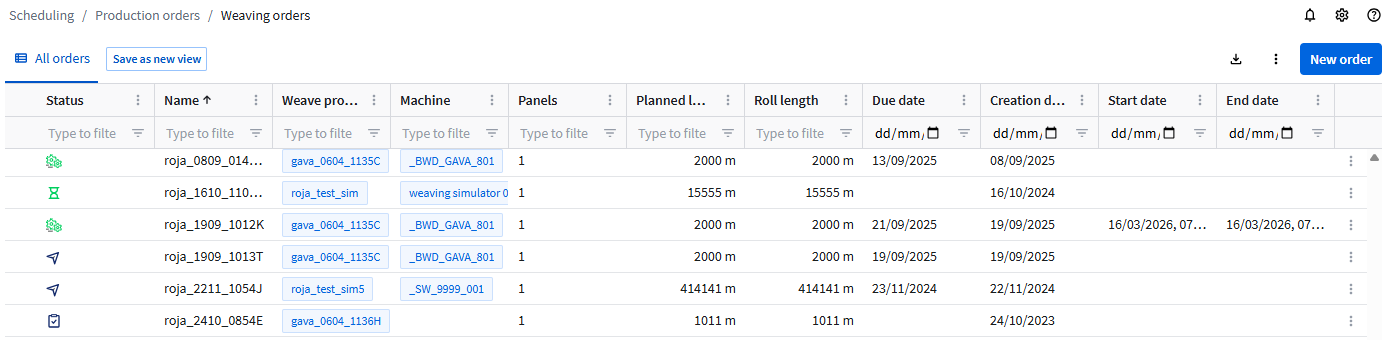
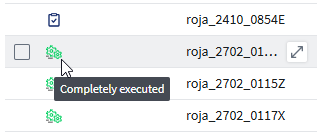
The icon in the Status column shows the status of the production order. Hover the icon to see the status description.
Before creating your first order, you can define the production order settings. See Production order settings.
Creating a production order
To create a production order:
- Click New order.
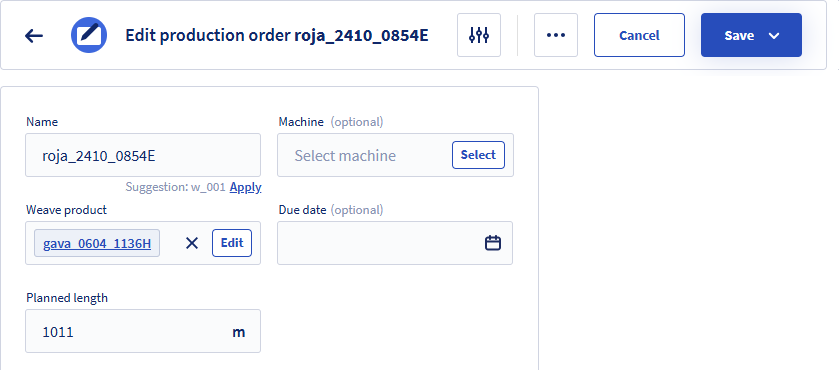
If Multi-panel is set in the Production order settings, then the additional fields Number of panels and Roll length are shown. Multi-panel can be selected or cleared while you are creating a production order.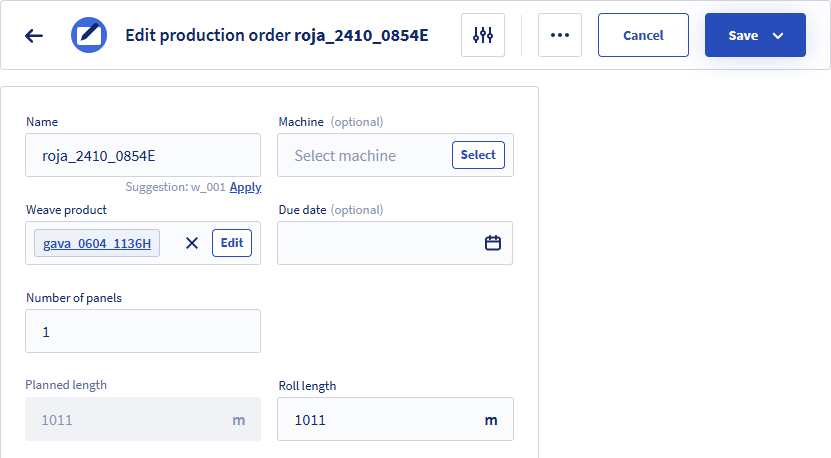
- Enter or select values. Fields marked with * are required.
For a description of the fields, see below. - Click Save.
You can also click Save and close to return to the list or Save and create new to create more.
Fields
| Name * | Any name can be entered or if a name generation pattern is defined, click Apply to generate a name. |
| Machine | Select the machine on which the product should be produced. This field is optional and can be completed later during planning. This allows orders to be created before a machine assignment is known. |
| Weave product * | Select the product to be produced. The list only shows the latest weave product versions. The version number is shown between brackets. To see older versions, clear the Only show latest versions option. From this dialog, you can add new products. See Weave products. |
| Due date | Select the date when the order should be finished. |
| Number of panels * | Enter the number of panels to be produced simultaneously on the weaving machine. A panel corresponds to one roll (or cut). The panels are produced simultaneously and all panels have the same length. |
| Planned length * | In case of single-panel, this is the total planned length. In case of multi-panel, and depending on the setting Maintain length by, this field either:
See Production order settings for more information. |
| Roll length * | This field is only shown in case of multi-panel. Depending on the setting Maintain length by, this field either:
This field supports decimal values with up to two decimal places. |