The Shift codes module is part of the Calendar system (under RESOURCES). See the Calendar article for a description of the Calendar system.
Shift codes define the name and color of each shift. Shift codes can be selected when creating shift Patterns, allowing for easy organization and clear visualization of shifts.
Example:
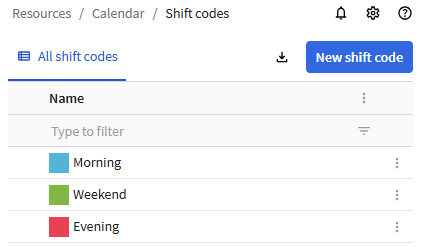
Creating shift codes
To create a shift code:
- Click the New shift code button.
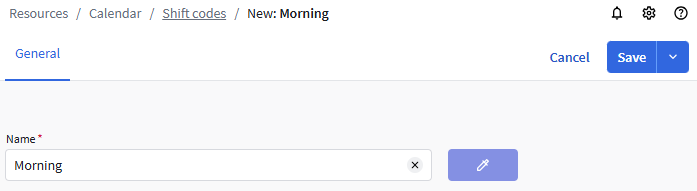
- Enter a Name.
- To select a color for the shift code, click the Color picker button
 .
. - Click Save.
You can also click Save and close to return to the list or Save and create new to create more shift codes.
Locked shift codes
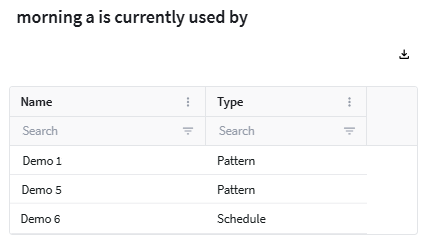
A lock icon  next to the name indicates that the shift code is already used in Schedules or Patterns. It cannot be changed nor deleted. To see for which Schedules and Patterns the shift code is used, click the lock icon. Example: