
The Wallets view in the Connect Admin module (https://admin.texconnect.io/) provides an overview of all orders and invoices related to your Connect account. If you use the credit system, this view shows information about the credits status.
- If a payment is required, you will receive a notification by e‑mail.
- Customers using the credit system can order additional credits via the Wallets view (see below).
For a general description of this module, see the article Getting started.
Viewing orders and invoices
- Click View wallets.
- Select your subscription.
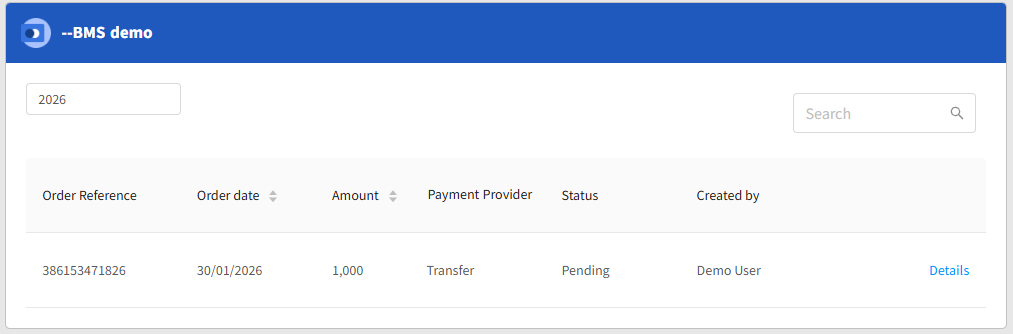
- Select a year. The orders of that year are shown.
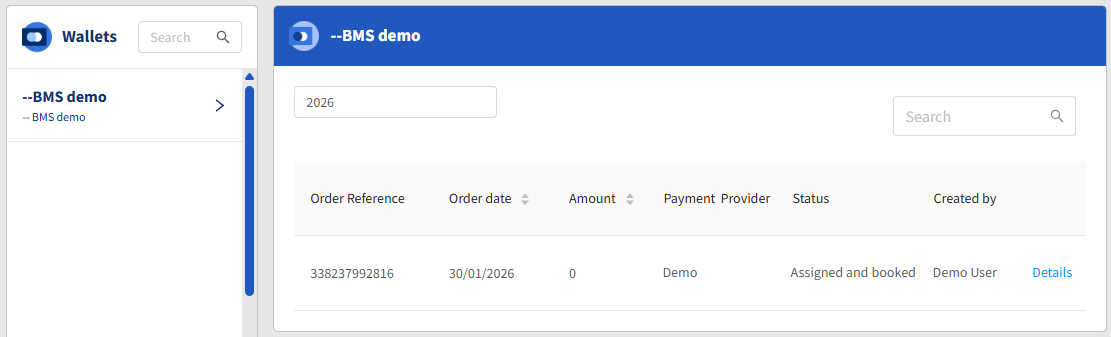
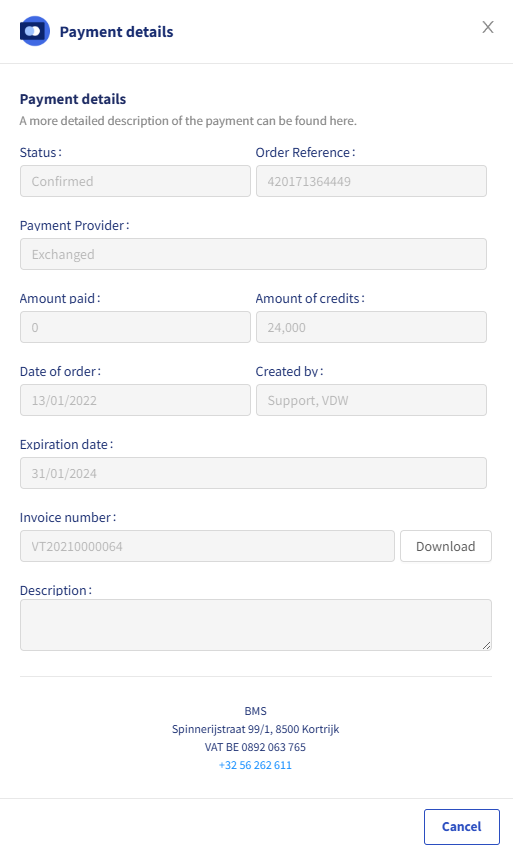
Click Details to see the Payment details of the order and to download the invoice.
Adding credits
Make sure that you have enough credits to continue working with Connect. If the credit becomes too low, you will receive warning e-mails. If the credit balance becomes negative, then you also will receive warning e-mails. If you don't add credits, your subscription will be locked.
To order credits:
- Click View wallets.
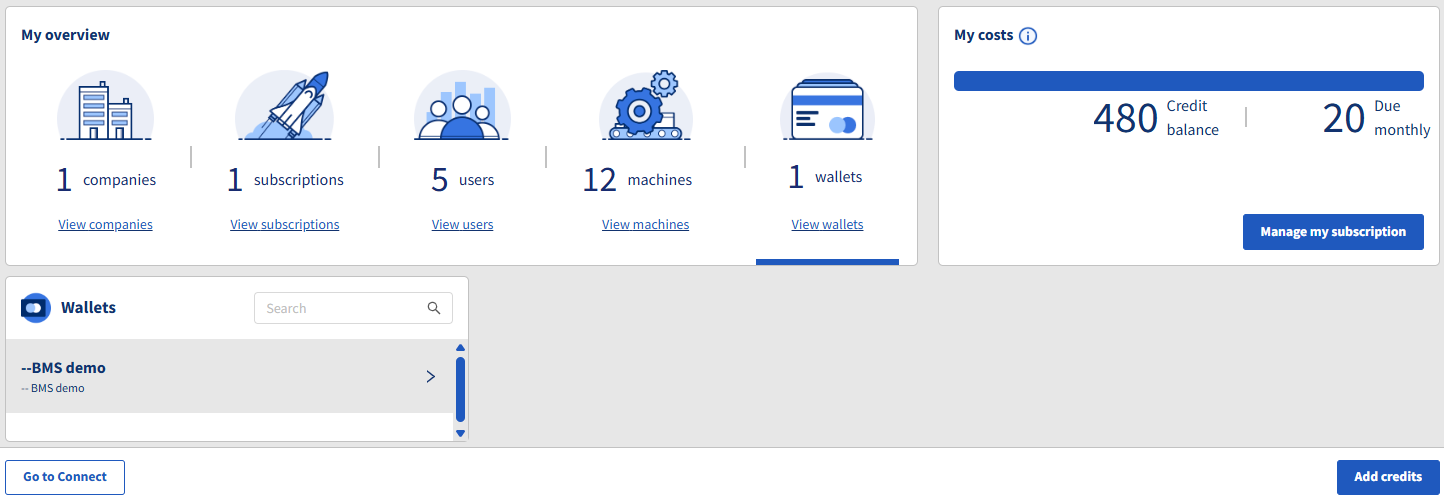
- Click Add credits in the bottom right corner.
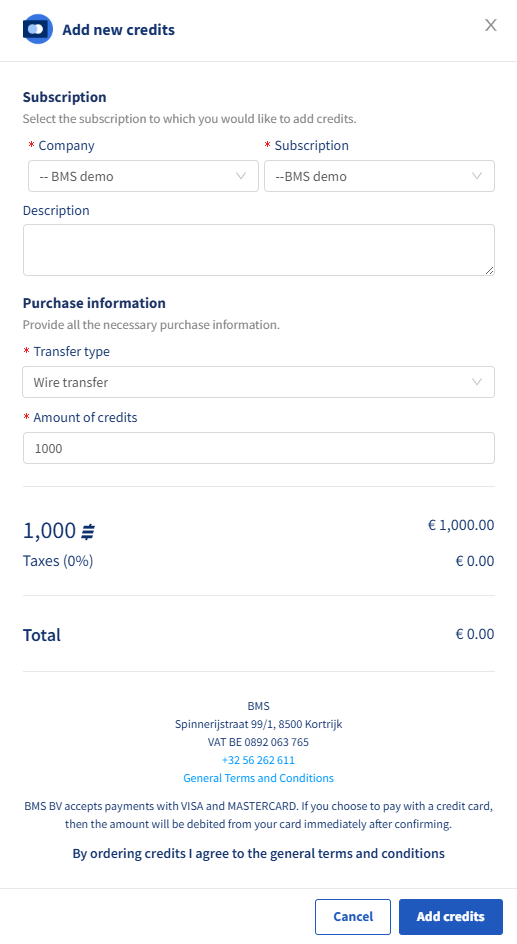
- Select the Company and Subscription.
- Select the Transfer type and the Amount of credits that you need.
- Click Add credits. Next you see order information:
- An invoice will be generated the next day. Pay the indicated amount though wire transfer. You will receive your credits once we have received the payment. This may take a couple of days.