
The Design library module is available under Designs in the SCHEDULING section. This module is used to manage designs. Designs are needed to make production orders.
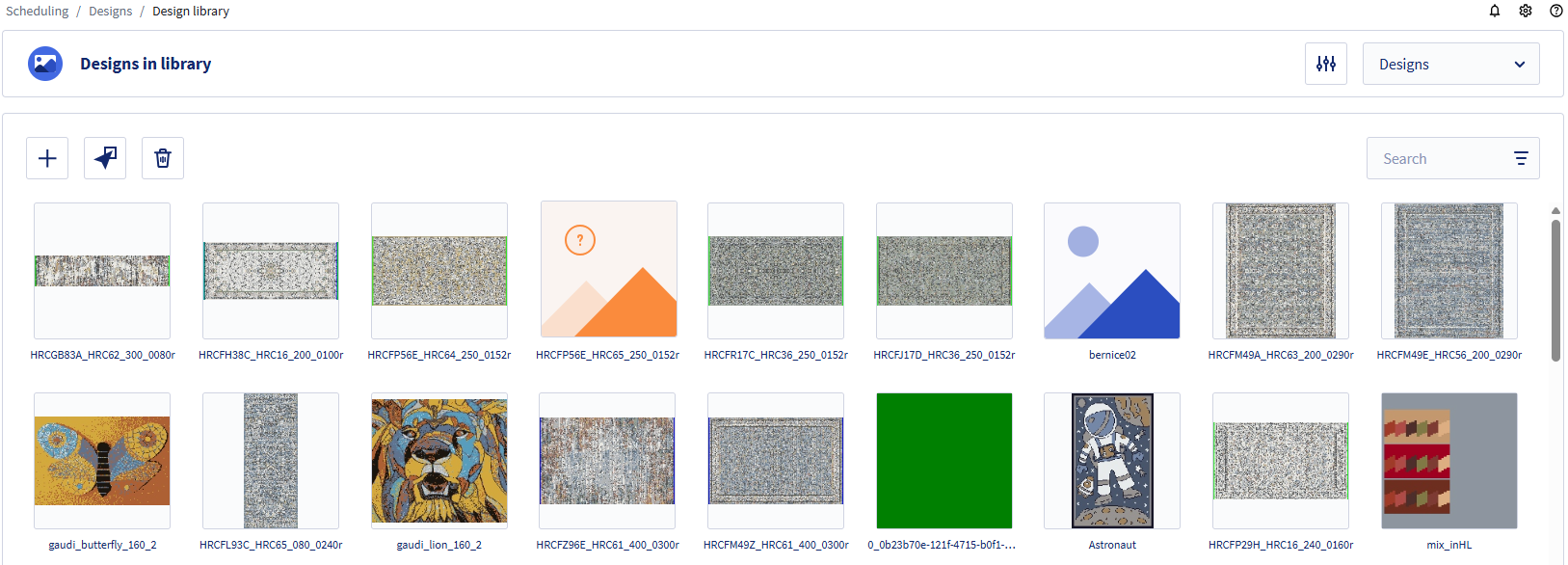
The Design library can show the following images:
- A preview of the design with its name.
- A blue image in case of a processed designs (EP files).
- An orange image with question mark if the design is missing from the library.
If a design is missing from the library, it will not be possible to process nor plan orders that use the design. Add the design to solve this problem. This can only be done using the ERP system.
For more information, see the following articles:
- Add design to design library
- Add configurations to designs and use them in search
- Calculate yarn consumption of a design