
The Colors module allows you to create and manage colors used throughout the system. Each color consists of a Name, an optional Description, and a color value.
Colors are defined under Definitions (section SCHEDULING).
- In case of carpet/velvet, open Yarn related, then Colors.
- In case of plastics, open Colors.
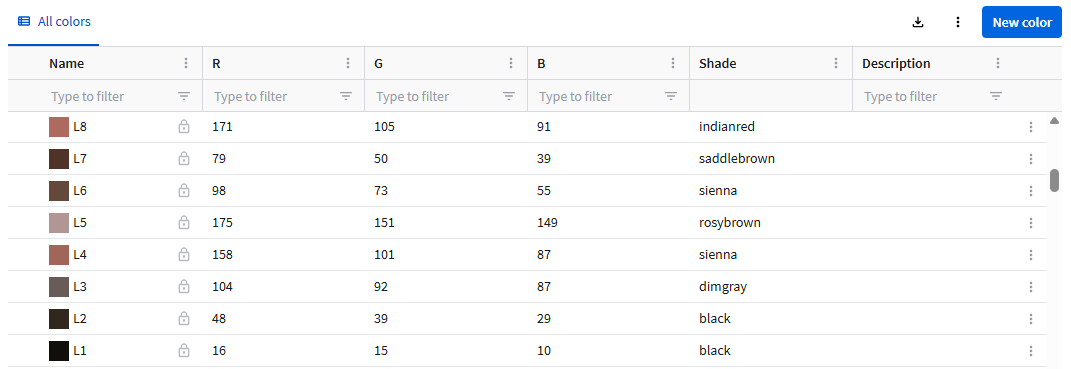
The table always displays the RGB values of a color, regardless of how the color was defined. The Shade name is assigned automatically defined by the system to provide a textual description of the color.
To create a color:
- Click the New color button.
- Enter a unique Name or click the Apply button to generate a name according the name generation pattern setting.
Click the Custom settings button in the top right corner to change the setting. Refer to Name generation pattern for more information.
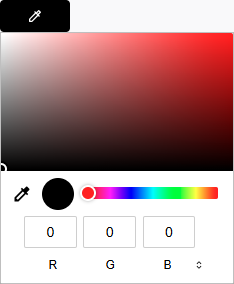
 - Click the Color picker button. This opens the Color picker dialog. Refer to the Editing records article for more information.
Click Save.