To view weave structures, under Definitions (section SCHEDULING), open Quality related, then Weave structures. This shows a table with all weave structures.
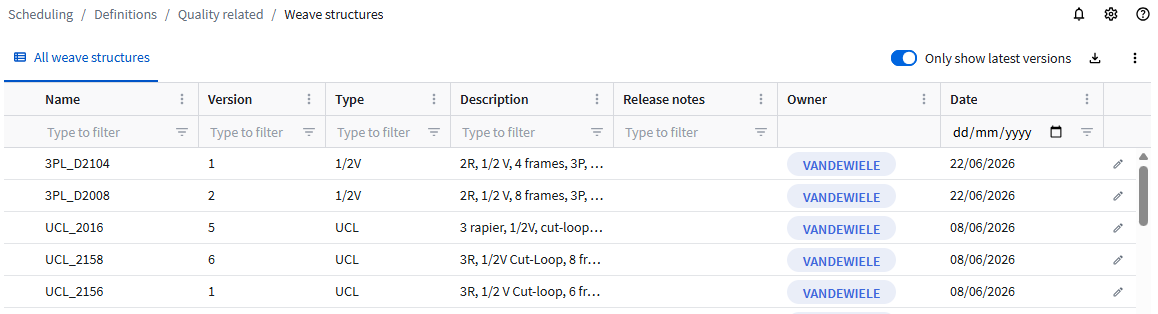
Only non-Vandewiele weave structures can be modified and deleted.
Connect offers the possibility to extend Vandewiele weave structures with your own patterns based on a template and some parameters. Vandewiele's weave structures cannot be altered, so to add patterns, duplicate an existing weave structure.
Creating weave structures
To duplicate a weave structure:
- Select the weave structure that you want to use as a basis.
- Click the Edit button
 . The weave structure details are shown.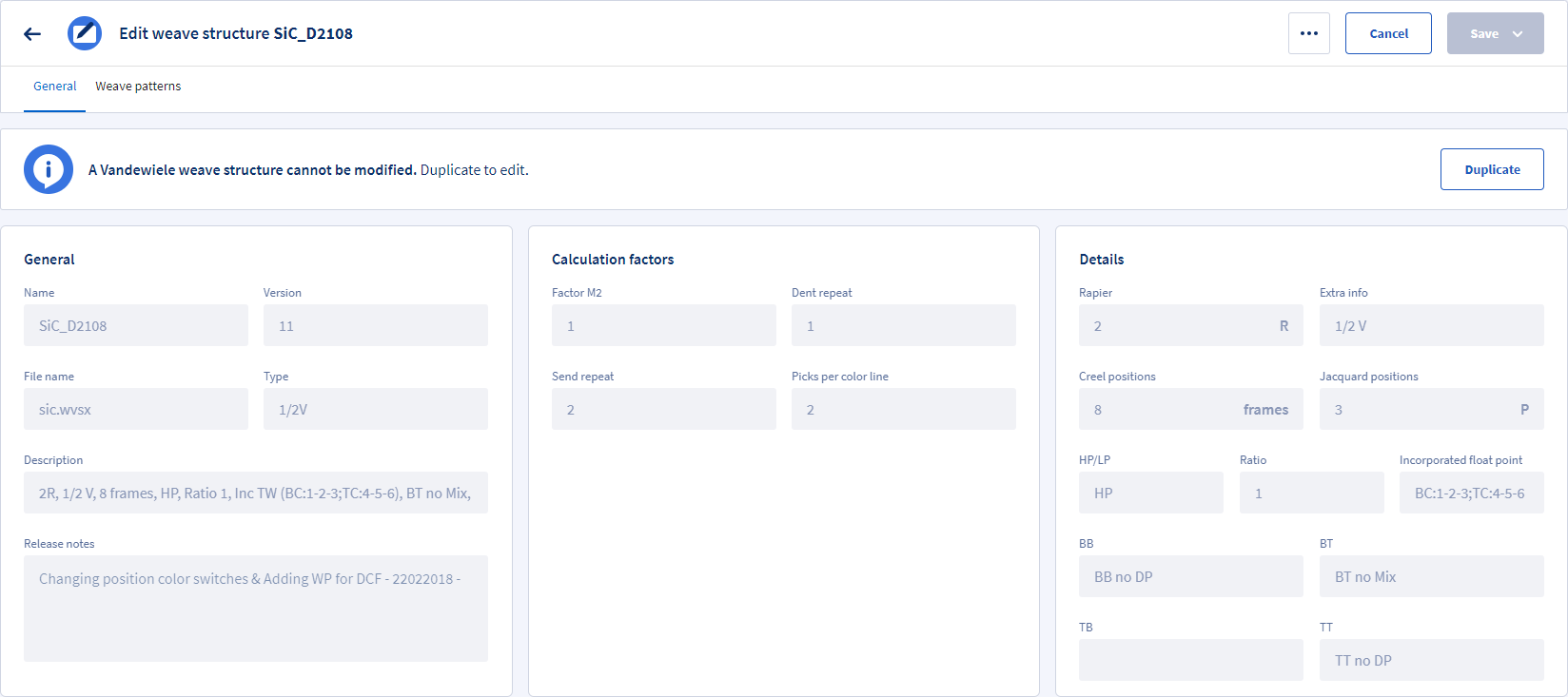
- In the General tab, click the Duplicate button.
- The Name is the same as the selected weave structure. Change it.
To use the suggested Name, click Apply. This adds a suffix. See below to define the suffix.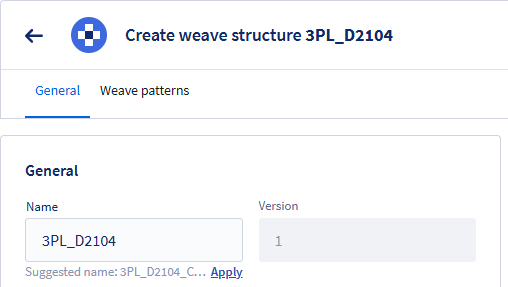
- Click Save.
You now have your own weave structure where you can add pattern.
Adding weave patterns
After saving the weave structure, you can add weave patterns:
- Open the Weave patterns tab. This shows the existing patterns.
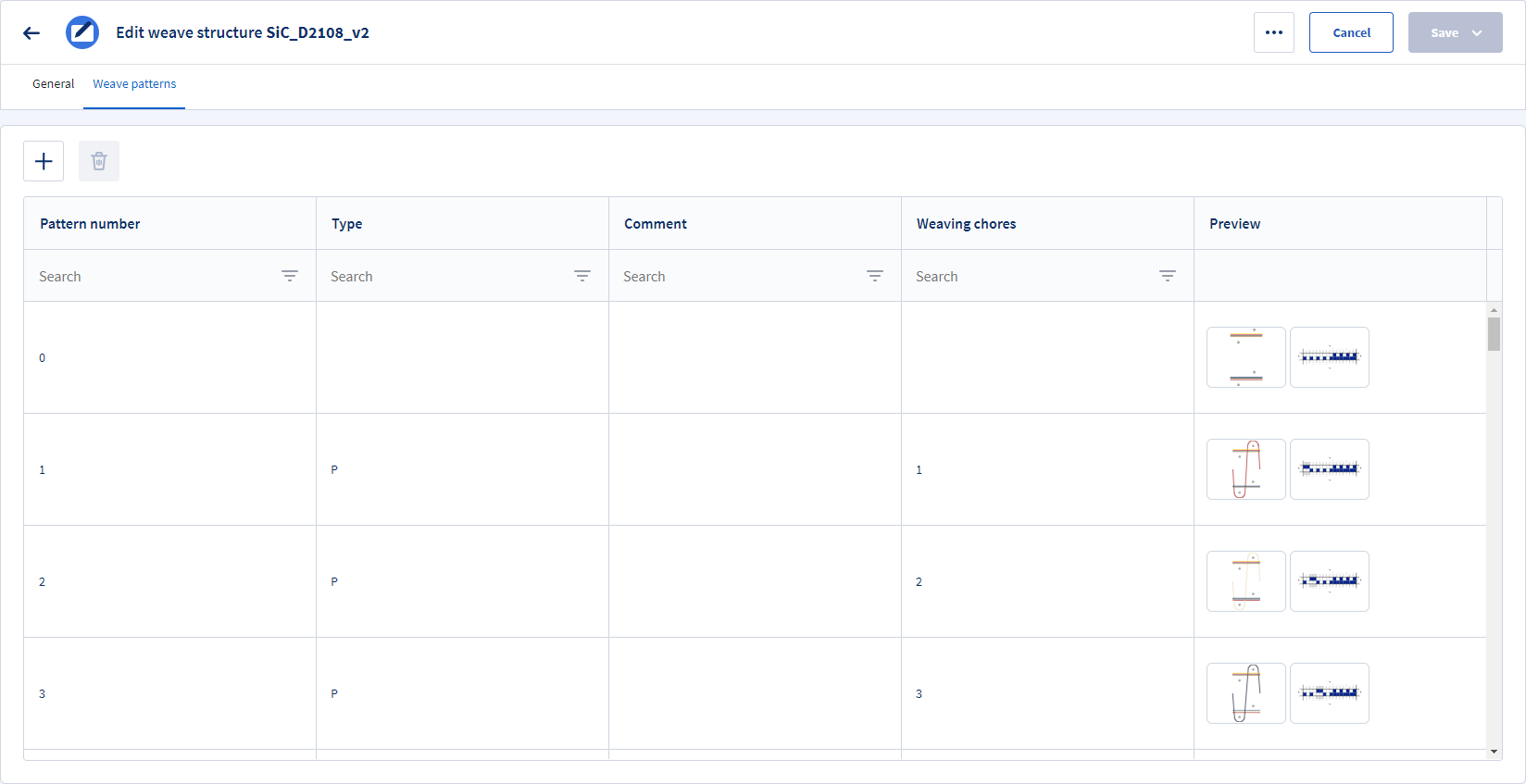
- Click the Create new button + to add a weave pattern.
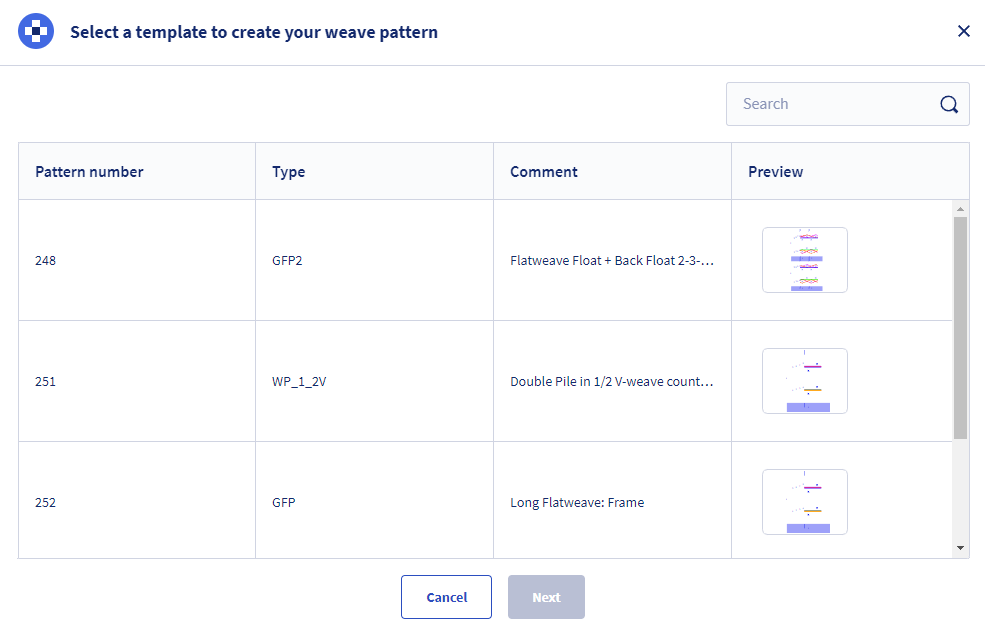
- A new pattern always starts from a template. Select a template and click Next.
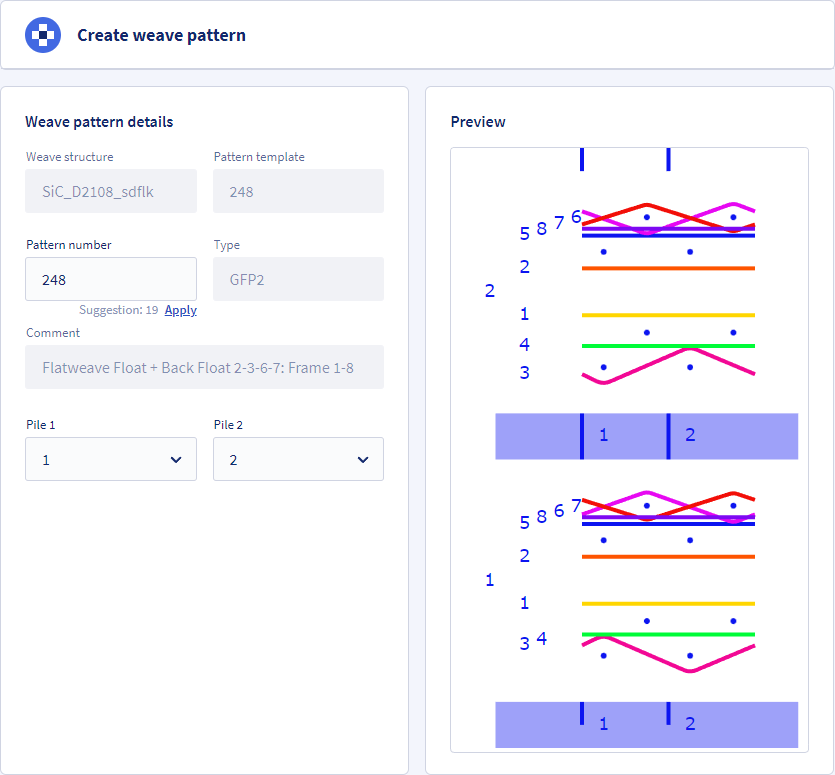
- Based on the weave structure type, you can now set piles, warps and patterns information to create your own pattern. Click Save to store the new pattern.
Weave structure suffix
The suffix is used to make the Name unique and to avoid that future Vandewiele developments don't interfere with your own weave structures.
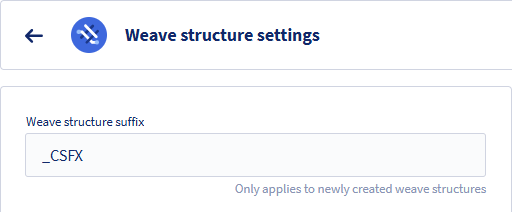
To change the Weave structure suffix, in the top right corner click  and then Settings and change the text.